
Where your plugin licence key lives, and why it is tied to your store
Every Havenswift plugin is licensed to a specific store. Understanding how that works avoids the two problems people most often hit.
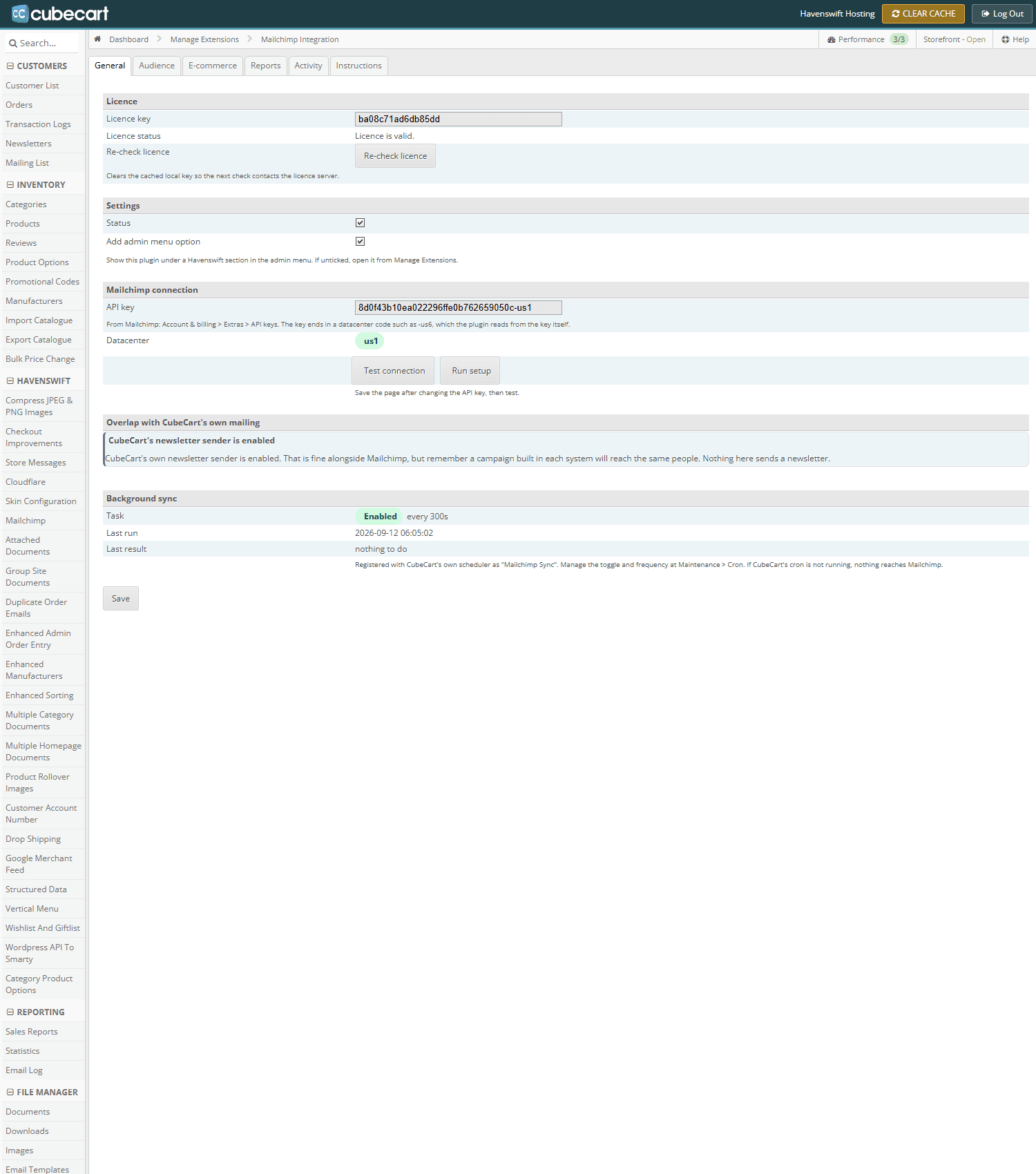
A plugin settings screen in CubeCart admin. The licence key is entered here once, and the plugin reports whether it validated
Where the key comes from
Your 16-character licence key is in your client area, listed against the plugin under My Products & Services. It is entered once in the plugin's own settings screen in your CubeCart admin.
What it is tied to
The licence is issued against your store's configured web address – the Store URL in your CubeCart settings – not against your server, your account, or the domain you happen to type into a browser. When the plugin validates, it reports that configured address to our licence server, and the licence is checked against it.
What this means in practice
- Aliases do not matter. If your store answers on several domains, the plugin still reports the one configured store address, so extra domains do not need separate licences.
- Changing your store address does matter. If you change the Store URL, the plugin will start reporting the new address and the licence will no longer match. Tell us before you change it.
- A development or staging copy will not validate unless we have added that address to the licence. Ask and we will.
If the plugin says the licence is invalid
Check the key in the plugin against the key in your client area first – a key entered against the wrong plugin is a surprisingly common cause, and it will look fine while the other plugin quietly fails. Then check your Store URL matches what we licensed. If both look right, open a ticket and we will look at the validation log.