
Why my admin session keeps logging me out
Being logged out of your store admin while you are still working is usually the idle timeout doing its job, but there are a few other causes worth ruling out.
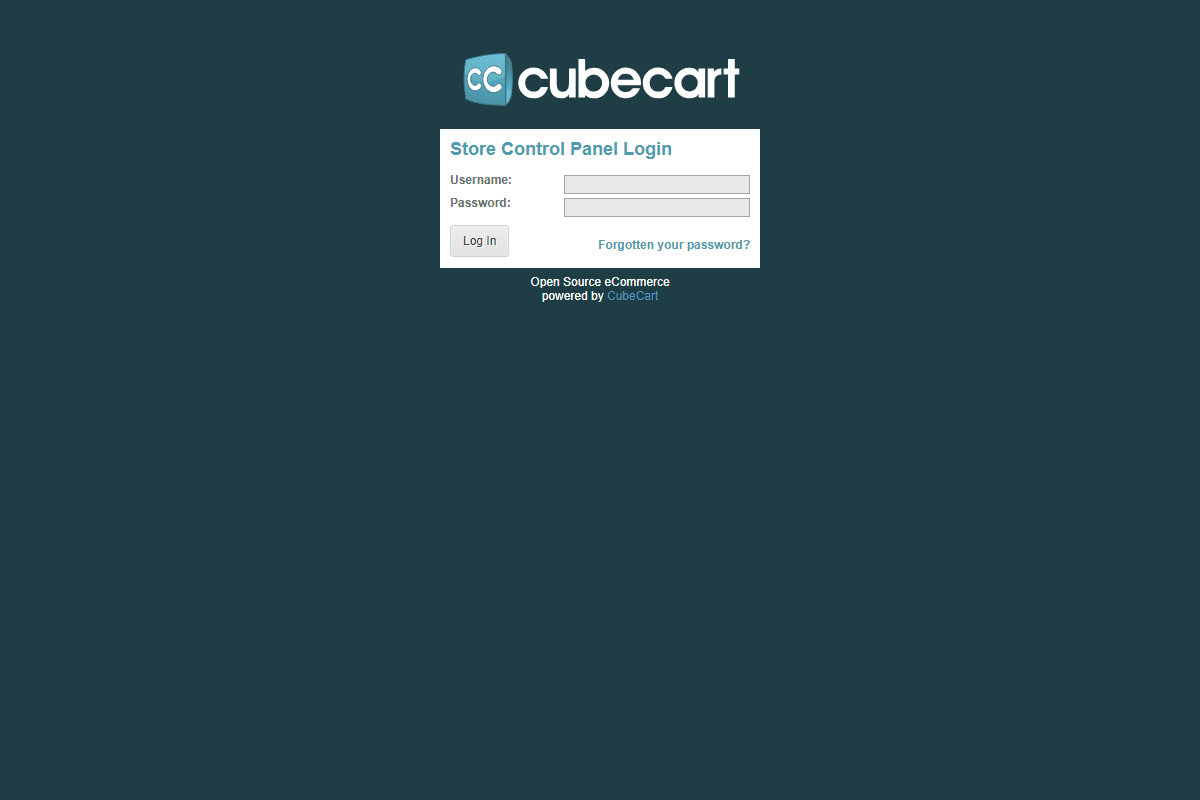
Where an expired admin session lands you: the store control panel login
The idle timeout
Admin sessions expire after a period without activity. Importantly, "activity" means requests to the server – typing into a long product description without saving is not activity, so a long editing session can time out mid-sentence. Save as you go on long edits.
If it happens far sooner than it should
- Two addresses. Moving between the www and non-www versions of your admin, or between http and https, can look like two different sites to the session and log you out. Always use one address consistently.
- A changing IP address. Some sessions are tied to your address. If your connection switches – for example between wi-fi and mobile data on a laptop – the session no longer matches.
- Browser privacy settings that clear cookies aggressively, or a private window.
- Server time. Rare, but a clock problem can expire sessions instantly.
What not to do
Do not extend the timeout to days as a workaround. The admin has access to your customer data and your orders; a long-lived session on a shared or portable computer is a genuine risk. If the timeout is impractically short for the work you do, tell us what you are doing and we will suggest a sensible value.